A PHOTOGRAPH IS NEVER JUST A FLAT RECTANGLE
Crop it to any shape, stack a live layer behind it, lift the subject out, add depth or a halftone screen. One image block does all of it, in the browser.
ANY SHAPE YOU CAN DRAW
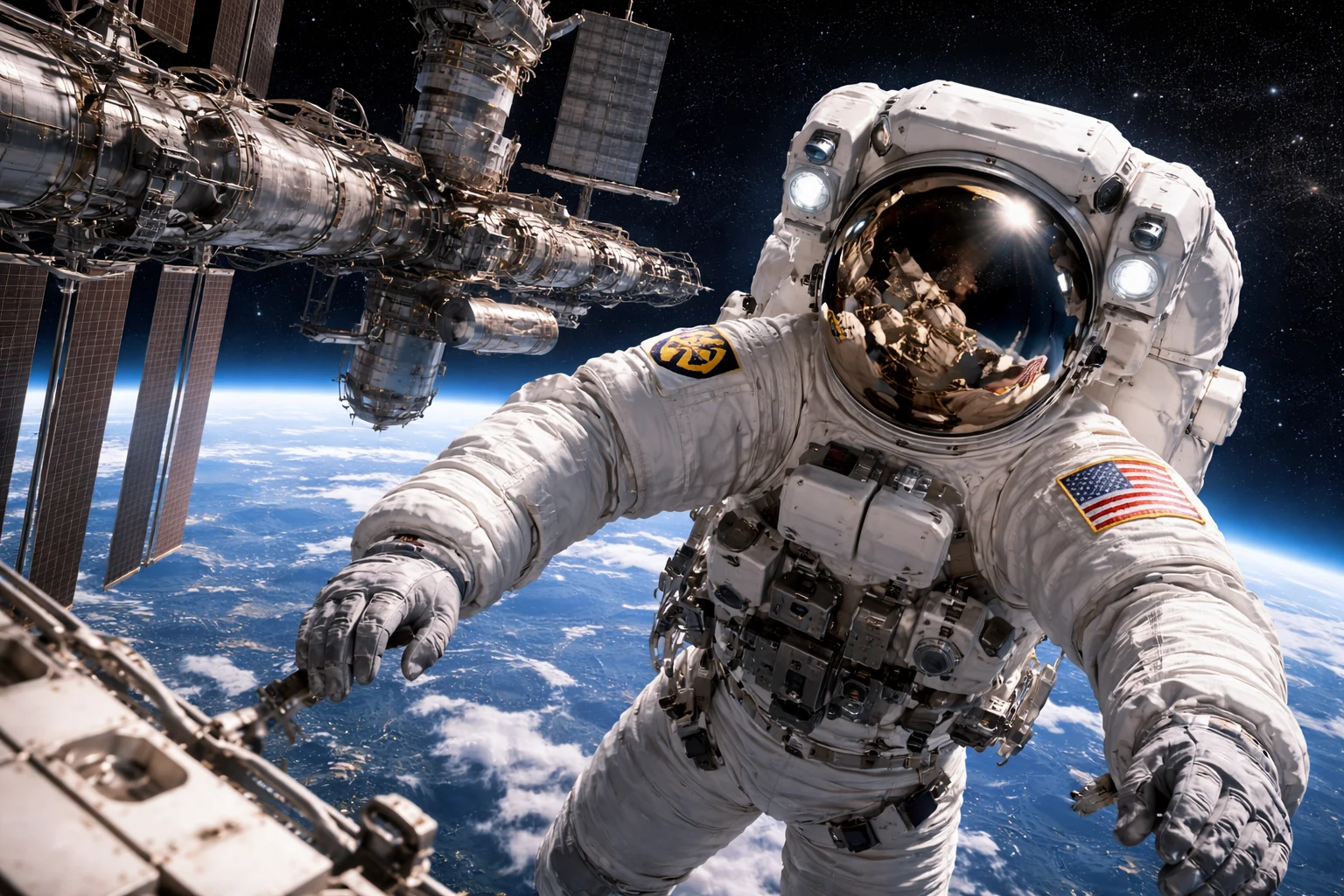
Grab a corner and pull: the photo is cut to any outline, live. A curve handle on every side, a radius on every corner, or drop in any SVG shape as the mask.
A SHAPE BEHIND THE SHAPE
The picture here is three layers in one block: the photo, and two shapes behind it. Give the back shapes a color, a gradient, a pattern or a moving field, then offset. No second image to manage, nothing exported from a design app.
A FIELD OF COLOR IN MOTION
The back shape does not have to be flat. Fill it with a mesh of color that drifts on its own, right inside the silhouette: a few colors and a speed, set in the panel, with no video to render.
LINES BEHIND THE PICTURE
Or give it a pattern. Fine parallel lines, a grid, dots or rings, drawn in pure CSS inside the back shape. Choose the ink, the spacing and the angle. Nothing loaded, nothing to maintain.
THE BACK LAYER MOVES ON ITS OWN
Give the second shape motion and it spins, drifts or breathes behind the photo on a slow loop. The picture holds still; the shape behind it keeps the whole screen alive.
ANY SHAPE FROM THE LIBRARY
Hundreds of shapes in the library, from rough blobs to halftone clouds. Pick any and the photograph takes its outline, live.
PLACE IT EXACTLY
Scale the back shape past the photo, rotate it, slide it off to one side. Offset, scale and rotation are three sliders, so the second layer lands precisely where the composition wants it.
DEPTH FROM ONE PHOTO

Give the photo a depth map and it lifts into relief, leaning and parallaxing under the cursor or a phone tilt. Strength, light and pivot are sliders, generated once from the flat photo.
LIFT THE SUBJECT OUT
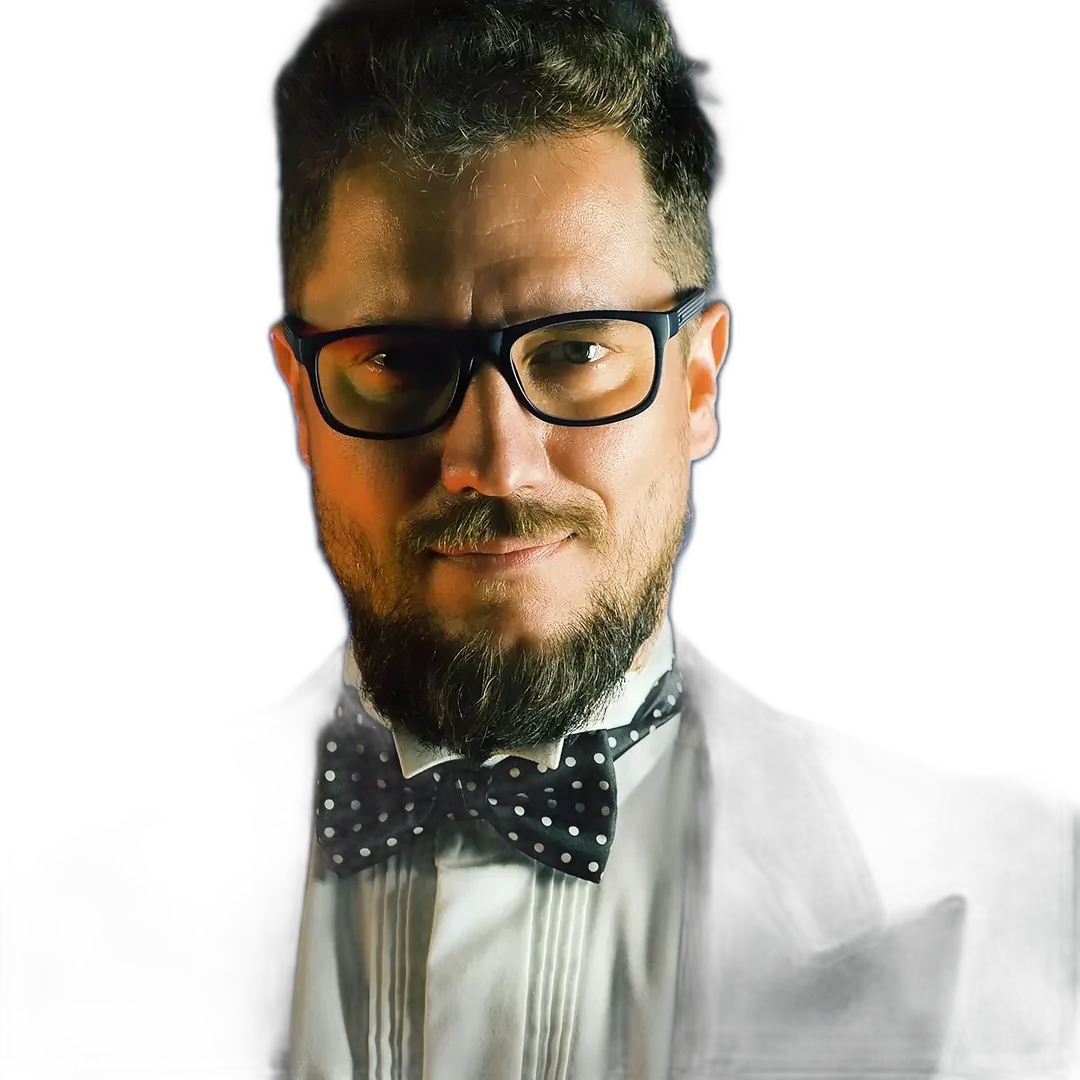
Remove the background in one click and the subject floats free, ready to sit over a color, a shape, or the page itself, done once and kept with the image.
A HALFTONE PRINT
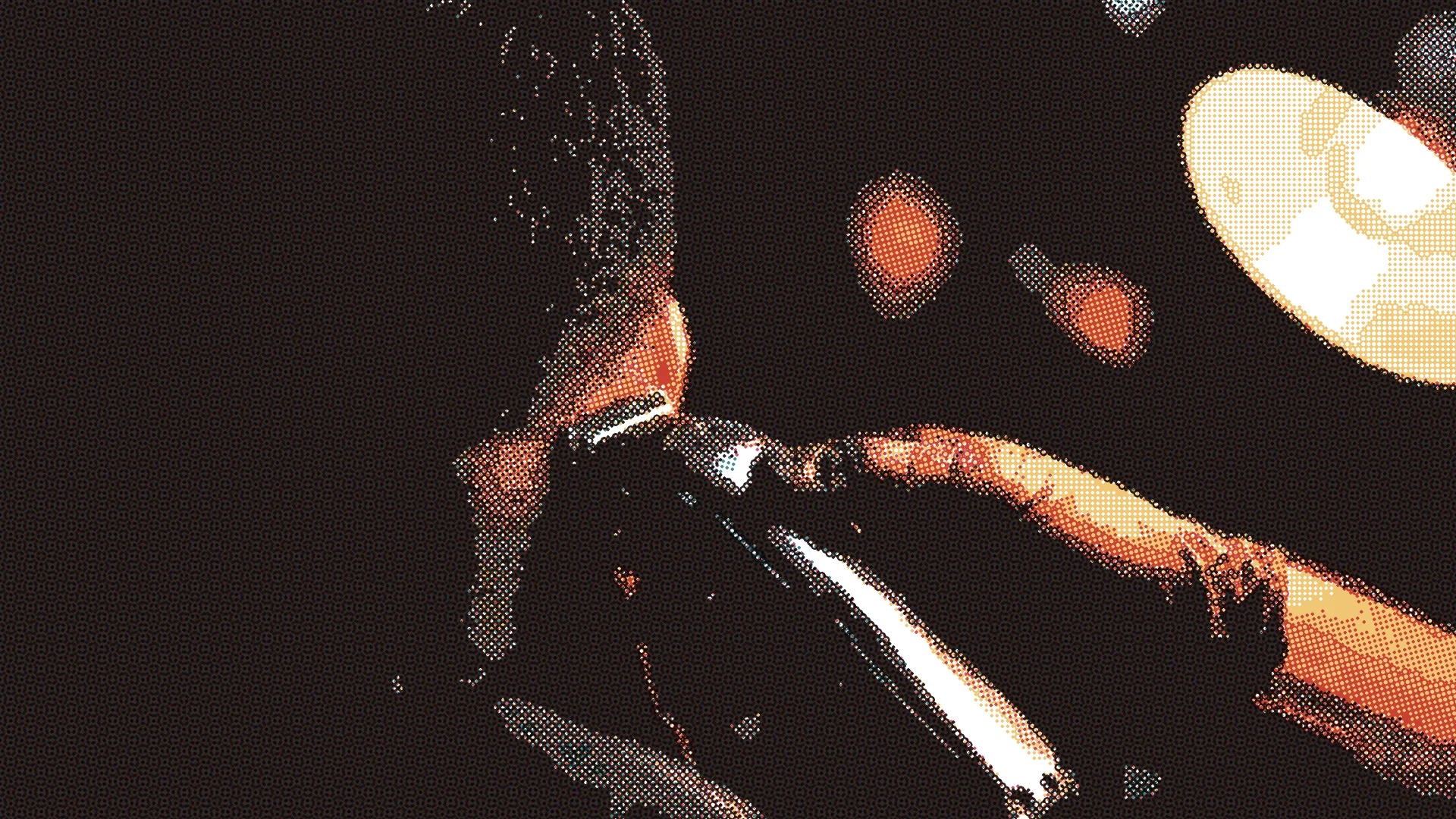
Turn the photo into a dot screen: set the pitch, the angle, the levels and two inks. A print texture rendered live from the same photo, nothing to export.
TWO LAYERS ONE IMAGE BLOCK
An Instinctor image is two layers in one block. The front layer is your photo, cut to any outline. The back layer is a second shape behind it, and that shape can hold a color, a gradient, an animated mesh, a pattern of lines, grids, dots or rings, or any outline from the shape library.
Each layer takes its own offset, scale, rotation and motion, and the two parallax against each other as the visitor moves the mouse or tilts a phone. It is set from a panel and rendered live: no second image to manage, no compositing in a design app, and every word stays real, crawlable text.
SEE WHAT ELSE IT DOES
The image block is one of forty ways Impulse builds a page. Every block is made the same way.
